Installation
composer require devletes/filament-pinnable-navigationRegister the plugin on any panel:
use Devletes\FilamentPinnableNavigation\PinnableNavigationPlugin;
use Filament\Panel;

public function panel(Panel $panel): Panel
{
    return $panel
        ->default()
        ->id('admin')
        ->path('admin')
        ->plugin(PinnableNavigationPlugin::make());
}
Configuration
Publish the config file if you want to customize behavior:
php artisan vendor:publish --tag="pinnable-navigation-config"Default configuration:
return [
    'database_enabled' => false,
    'table_name' => 'pinned_navigation_items',
    'group_title' => 'Pinned',
    'group_icon' => 'heroicon-o-star',
    'pin_icon' => 'heroicon-o-star',
    'unpin_icon' => 'heroicon-s-star',
    'show_in_resource' => true,
    'accordion_mode' => true,
];
Configuration options:
database_enabled: Persist pins in the database instead of browser localStorage.table_name: Database table used when database persistence is enabled.group_title: Label used for the synthetic pinned group.group_icon: Optional icon shown for the pinned group.pin_icon: Icon used when an item is not pinned.unpin_icon: Icon used when an item is already pinned.show_in_resource: Show the page-header pin toggle on Filament resource index pages.accordion_mode: Keep only one managed navigation group open at a time. Disable it to fall back to Filament’s default grouped navigation behavior.
Persistence
By default, pin state is stored in browser localStorage per panel and authenticated user. No migration is required in this mode.
If you want to persist pins in the database instead:
- Publish the config file.
- Publish the package migrations.
- Set
database_enabledtotrue. - Run migrations.
php artisan vendor:publish --tag="pinnable-navigation-migrations"
php artisan migrate
Usage
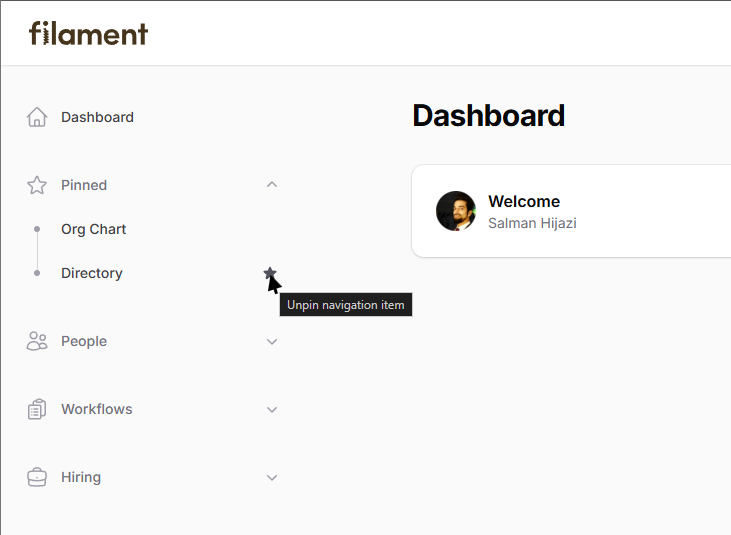
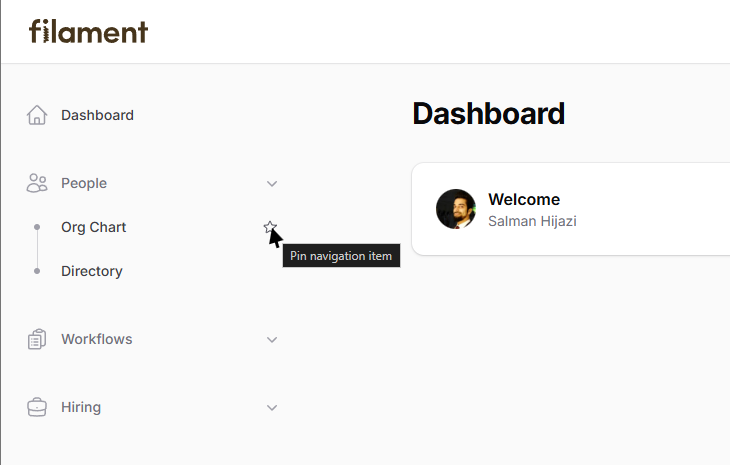
- Grouped navigation items can be pinned from the sidebar.
- When
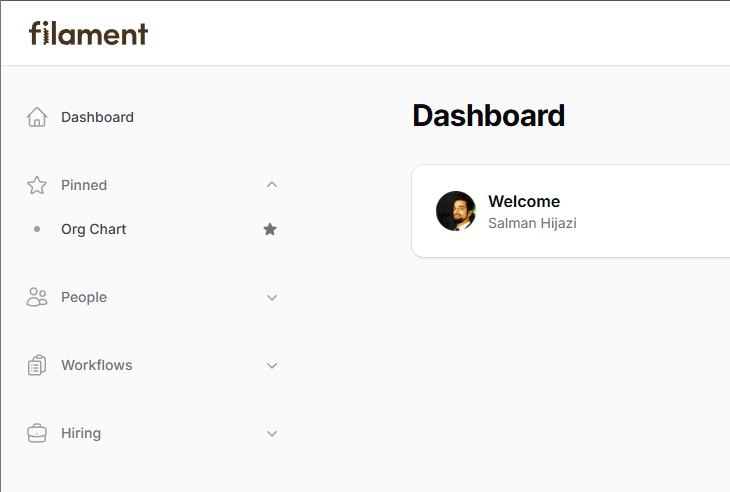
show_in_resourceis enabled, the current resource page can also be pinned or unpinned from the page header. - Pinned items are shown in a dedicated group at the top of the sidebar.
Screenshots
Pin navigation items from the sidebar
Dedicated pinned group
Multiple pinned items